Terminating a Megaport Internet Connection
You can terminate a Megaport Internet connection directly from the Megaport Portal.
Megaport Internet connections can be individually terminated or are terminated as part of terminating the attached Port, MCR, or MVE.
Terminating a Megaport Internet connection on a contract term will result in an early termination fee (ETF) equivalent to 100% of the remainder of the term. For more information about Megaport Internet contract terms, see Megaport Internet Pricing and Contract Terms.
Note
Terminating an MVE automatically deletes all of its associated VXCs, including any Megaport Internet connections. For more information about terminating an MVE, see Terminating an MVE.
To terminate a Megaport Internet connection
-
In the Megaport Portal, go to the Services page.
-
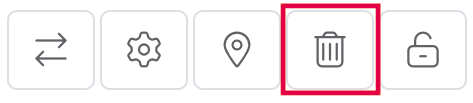
Click the trash icon next to the Megaport Internet connection you want to terminate.
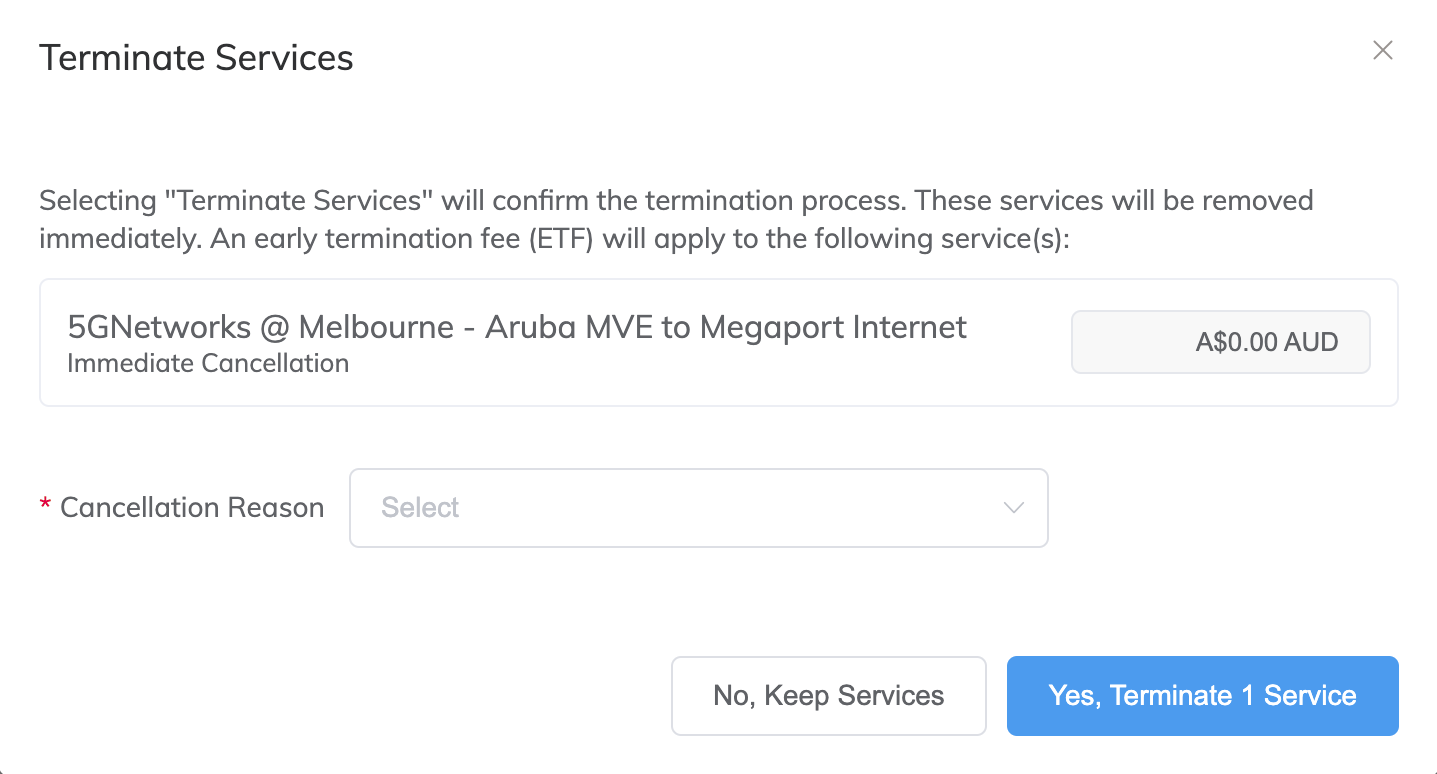
The Terminate Services window appears. Early termination fees will be shown here, if applicable.
-
In the Cancellation Reason drop-down list, select the reason that you are terminating the connection. We use this information to help us improve your customer experience.
These options are available:
- Moving to a Cloud-Native Solution
- Changing Data Centers
- Ordered in Error or Reordering
- Proof of Concept / Test
- Project Ended
- Switching to Alternative Provider
- Pricing
- Product Performance
- Reason not Listed
Note
- Ordered in Error or Reordering should be selected if you have upgraded or downgraded the service speed and re-ordered.
- Reason not Listed should be selected to specify a different reason to those listed. Use the free text field to explain the reason for terminating the service. This field has a maximum of 400 characters.
- You can also provide additional details in the free text field for any of the cancellation reasons.
-
Click Yes, Terminate Service to confirm the connection termination, or click No, Keep Services to cancel.
The Megaport Internet connection is deleted from the Megaport network.